
Following on from Odoo V15 released - new features and improvements (2), this is a summary of Wynand Tastenhoye's presentation on accounting.
Related posts
Odoo V15 released - new features and improvements (1)
Accounting
Invoicing
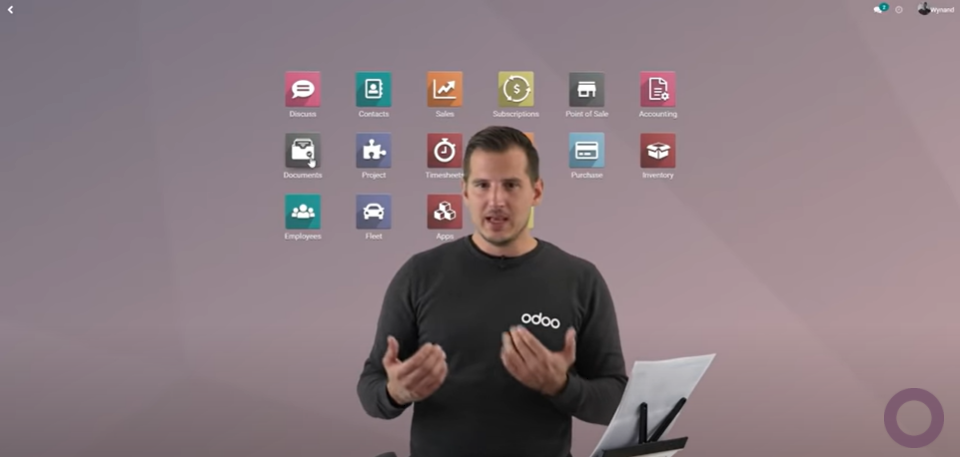
Scan an invoice with an intelligent scanner and the PDF is emailed to Odoo automatically.
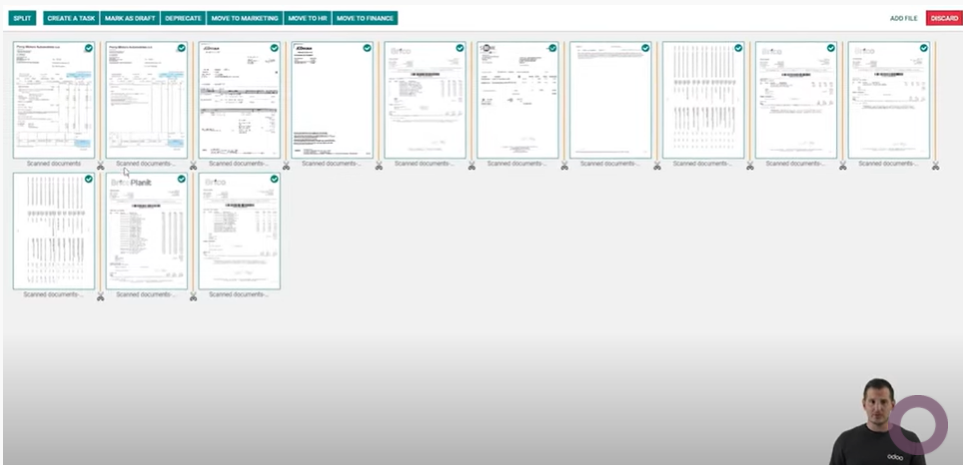
Check the scanned invoice in the Documents app, mark where it splits and which pages not to take in — a cover sheet, for instance — and send it to the accounts department.
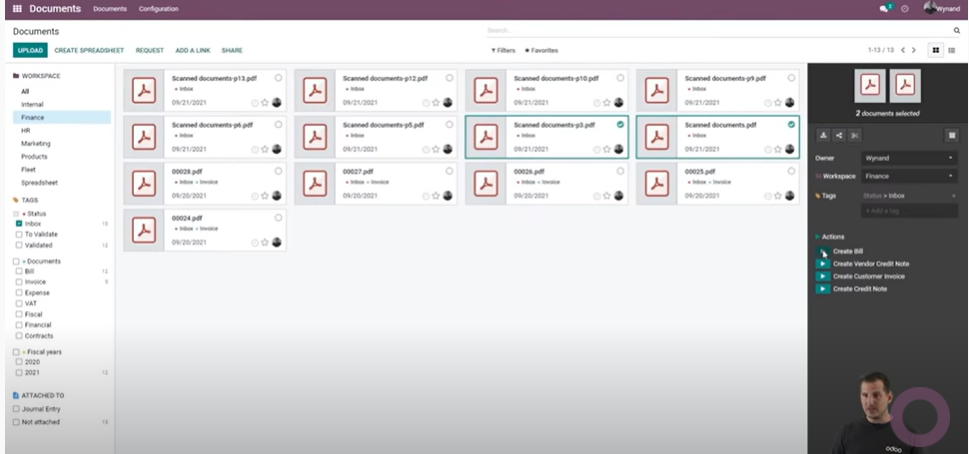
From the invoice PDF that reached the accounts department, click the "Create Bill" button to create the vendor bill.
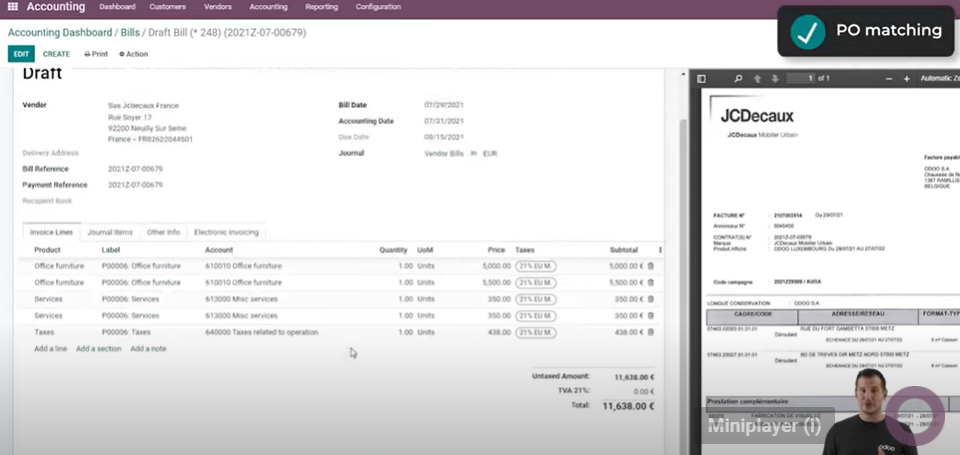
From the vendor bill PDF, OCR takes in the vendor, the reference, the invoice date and the due date, and the bill lines come from the matching purchase order. Where no matching purchase order exists, a bill line is created for each tax line.
(※ How much of this it manages in a Japanese environment is an unknown.)
From V15 customer invoices can be imported from the Documents app as well, which is a considerable convenience for anyone not using Odoo's Invoicing app. For a customer invoice, the invoice number in Odoo comes out the same as the number on the PDF.
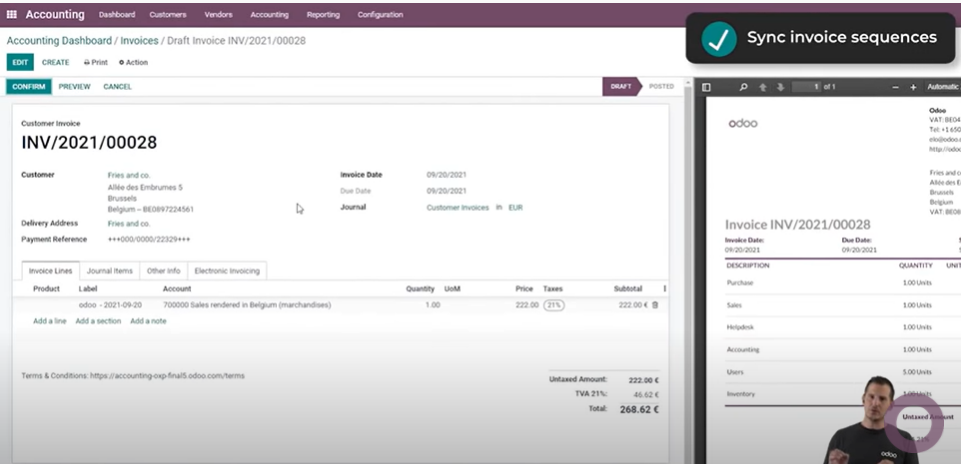
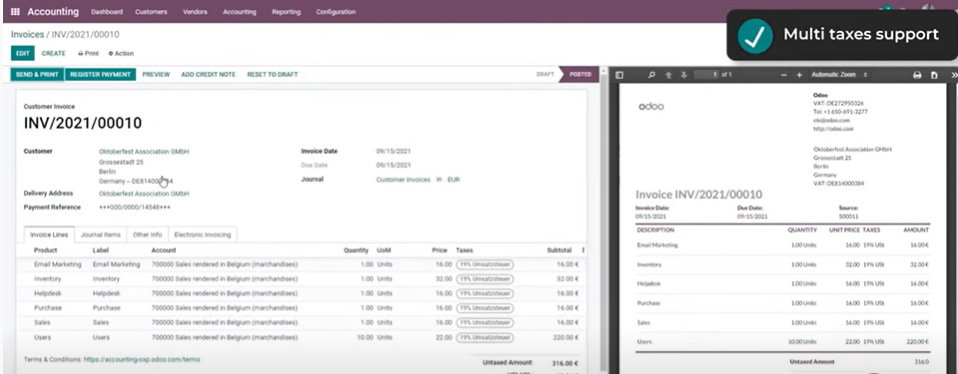
A tax identification number and tax rates can be set per country.
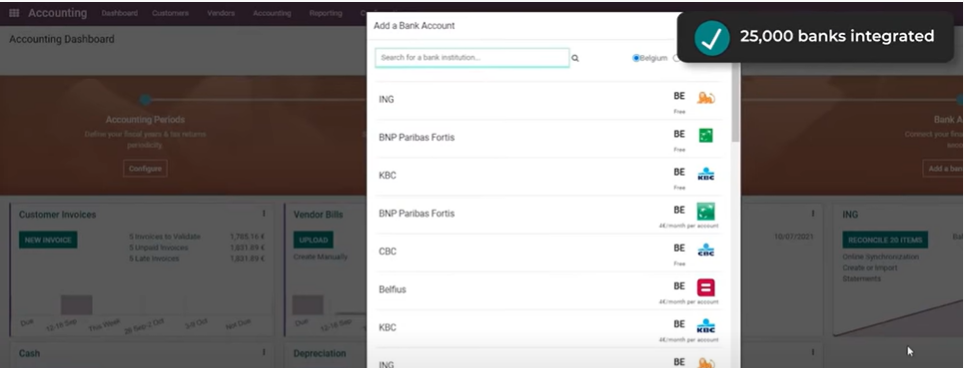
Odoo is integrated with 25,000 banks worldwide, and can keep transactions in sync.
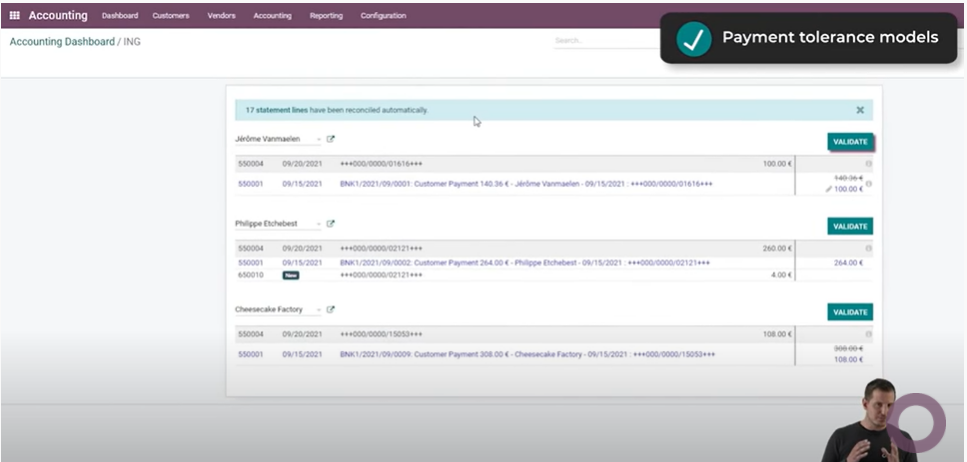
In reconciliation, where the amount and the invoice reference match it is reconciled automatically; where they do not, each has to be verified by hand.
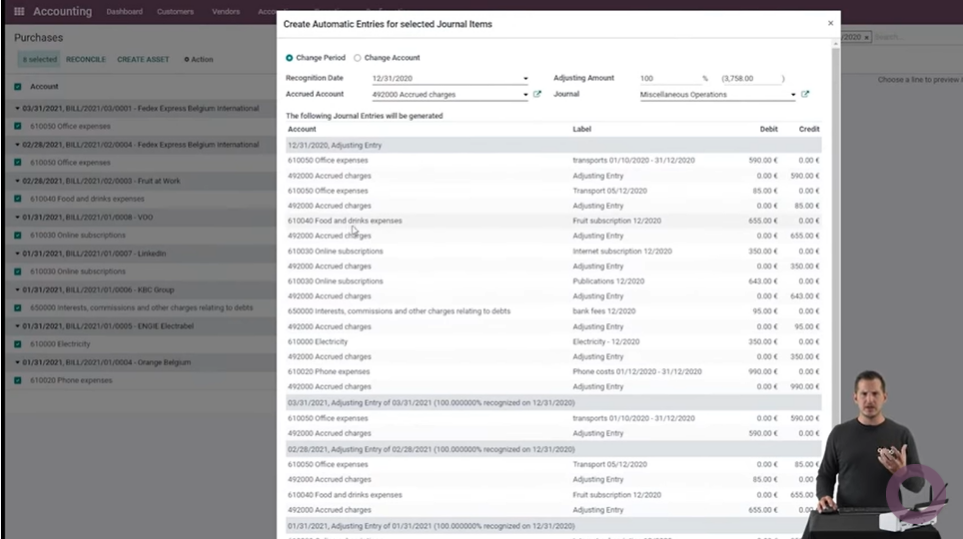
Accrued expenses, accrued revenue, vendor bills not yet received and customer invoices not yet sent are all easy to handle. The reversing entry is posted automatically on the day after the closing date.
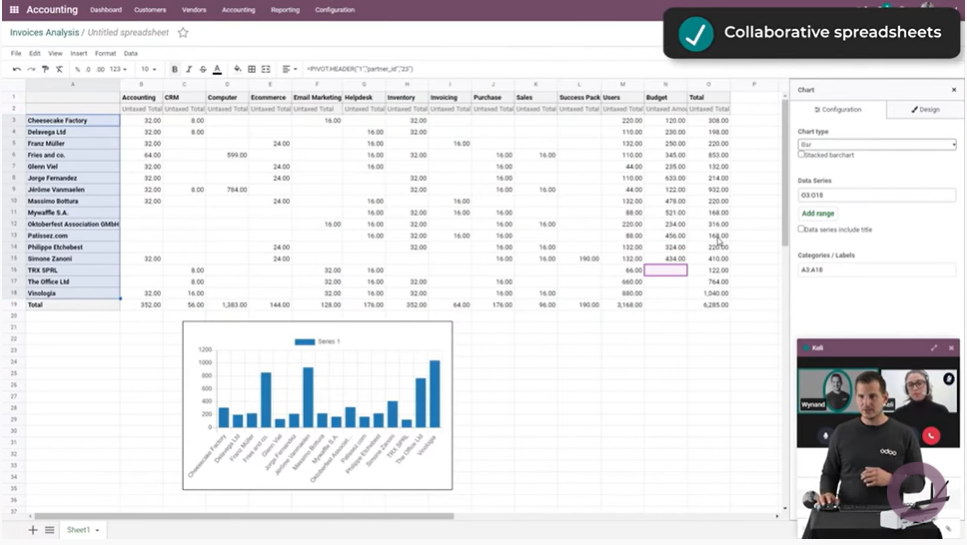
In the spreadsheet used for analysis, several users can update the data at the same time.
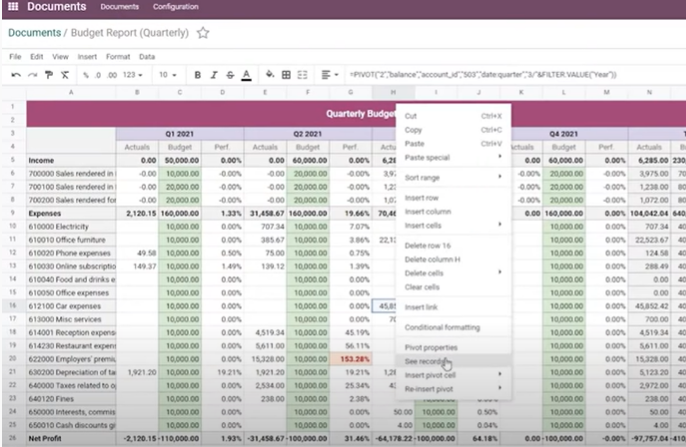
Right-click a total in the spreadsheet and click "See records" to drill down.
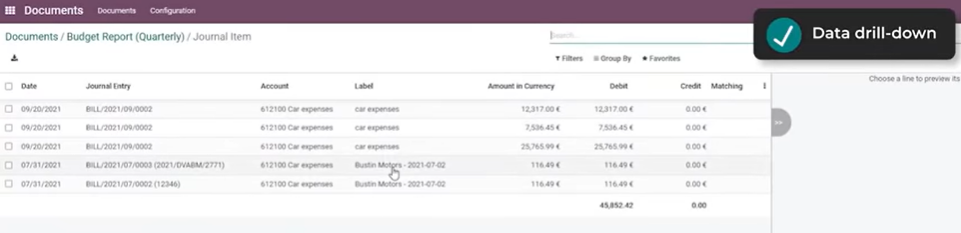
The lines that make up that total are shown.
Related posts
Odoo V15 released - new features and improvements (1)
Odoo V15 released - new features and improvements (2)
Odoo V15 released - Odoo's strengths and the outlook ahead
Photo by Joshua Earle on Unsplash
Odoo V15 released - new features and improvements (3)