
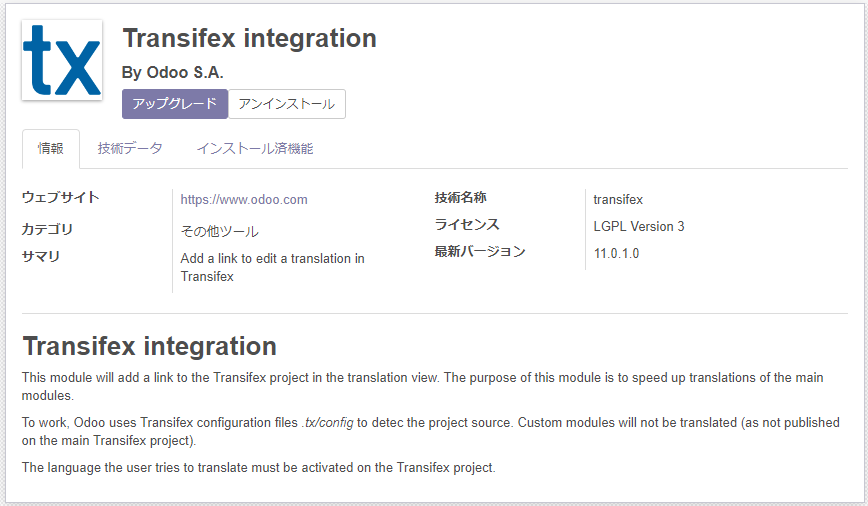
Odoo's latest version, 11.0, adds a module called Transifex integration.
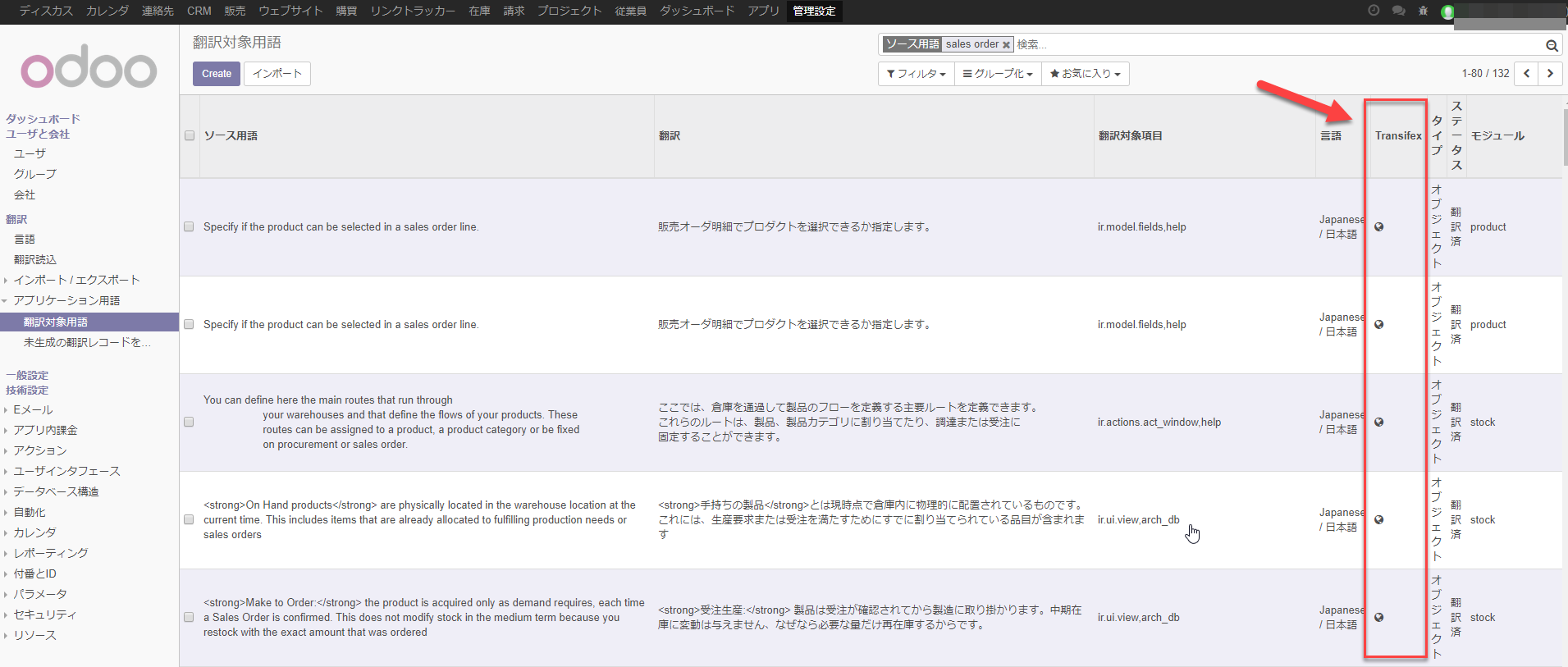
Install it and the translated-terms screen gains a column showing a link button that opens the Transifex screen.
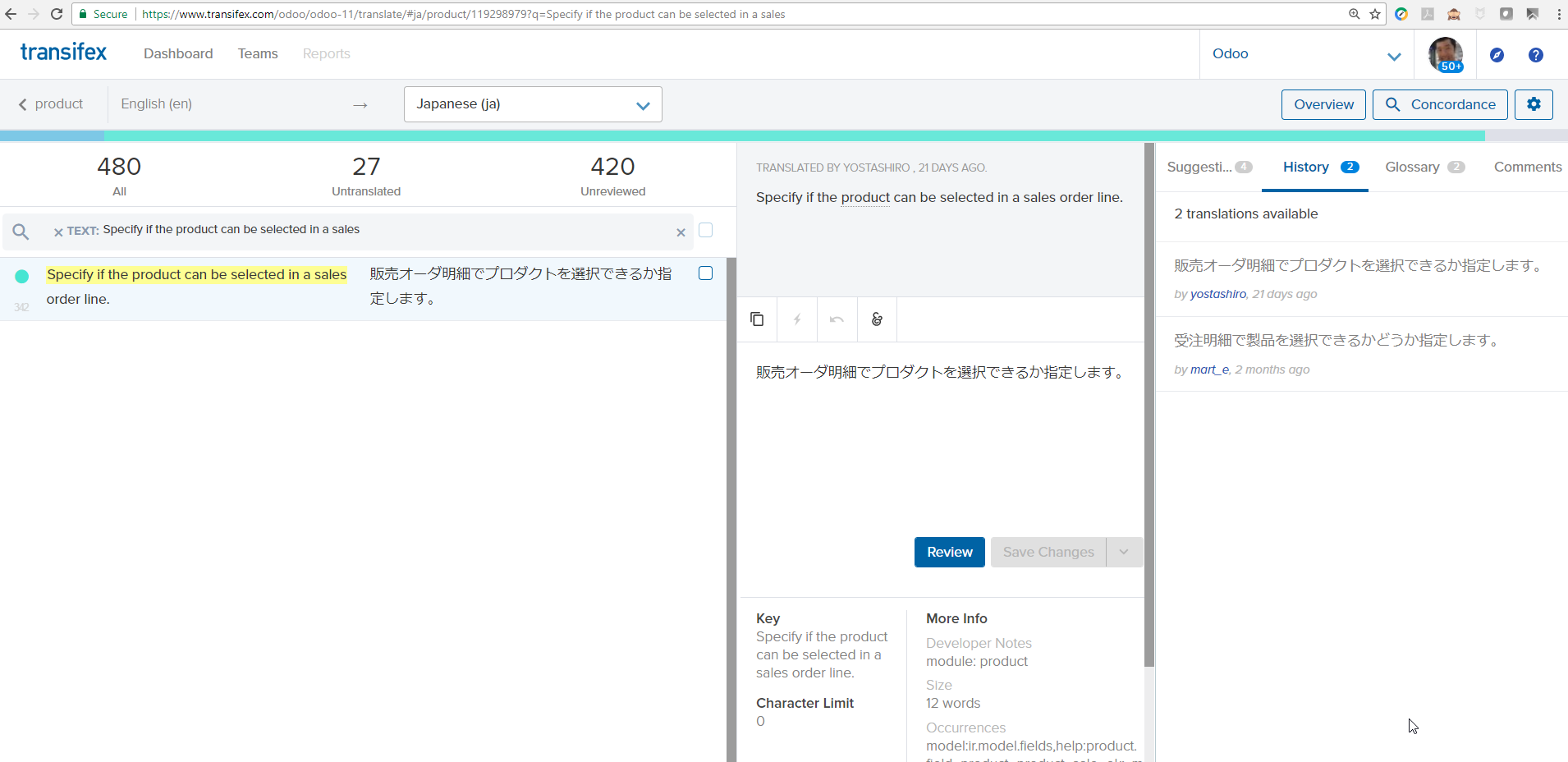
Click the button and Transifex opens with the records already filtered by source term and module.
Until now the routine was:
- find the part needing translation on Odoo's screen
- filter the records in Transifex by module and source term, and update the translation
- pull the latest code from the Odoo repository on GitHub periodically, to bring the working database's translations up to date
That was what it took; with this module, we were able to switch to:
- find the part needing translation on Odoo's screen
- update the translation on Odoo's translated-terms screen
- open Transifex from the link button and update the translation there (copy and paste)
(Because the translation is updated locally as you go, progress is easy to follow without pulling the latest code to refresh the translations.)
That is the routine we moved to.
It does not cut the work down fundamentally, but the Japanese in the database at hand gets tidied as the work proceeds and the accuracy goes up a little, so personally I rather like it.
We intend to keep creating value through our work in the open-source community. If this is of interest, do join in on translation.
Related post: Why not join the Odoo Japanese translation team? - using Transifex
Streamlining Odoo Japanese localisation with the Transifex Integration module