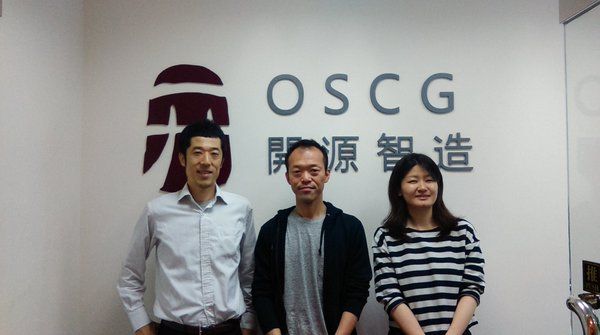
In late April we held Odoo technical training at our Hong Kong office. It was training for a customer who came over from Japan.
We normally communicate remotely for the most part, so with support given face to face within a limited window, we spent three very concentrated days.
The training agenda
This time the customer wanted training in how to customize Odoo, so we focused on how to build a module. A customer taking customization on themselves is something only open source really allows.
(Customization is also possible by editing Odoo's source code or code held in the database, but with future operation in mind we recommend building a module that can be installed and uninstalled.)
The module we used as a sample was likewise built and chosen after asking in advance what sort of customization the customer would need.
- Overview of Odoo development
    - Why build a module
    - Odoo directory structure
- Building a module
    - Models and fields
    - Finding the module and files to modify
    - Building a module that adds a field
    - A module's file layout
- Installing a module
    - Server restart versus upgrade
    - How to add translations
- Adding a report
    - Adjusting QWeb
    - An introduction to Aeroo Reports
- Relating different models to each other
    - Field types
    - The old API and the new API
- Adding simple logic
    - How to use browse and search
- Adding menu items
    - Adding views, actions and menu items
- Translating existing items
- CSV import
- On security
    - Groups, access rights and record rules
For this customer we had also built the Odoo environment itself, so we ran training on source code and database backup operations as well.
- Steps for building an Odoo environment
    - Creating a Docker image
- How to use Docker and DockerHub
- How to use Git and GitHub
- On DB backups
    - How the backup methods work
    - How to restore a DB
Training tailored to order
We can provide training tailored to what each customer asks for.
We also run functional training — training on Odoo's features — not just technical training.
If this interests you, do get in touch!
Photo by Vitaly Gariev on Unsplash
We held technical training