
What was bothering us
Odoo has a feature for announcing events, seminars and the like, on a website. It is useful, but it assumes registration will happen in Odoo, so as standard the registration form is always shown on the event page.
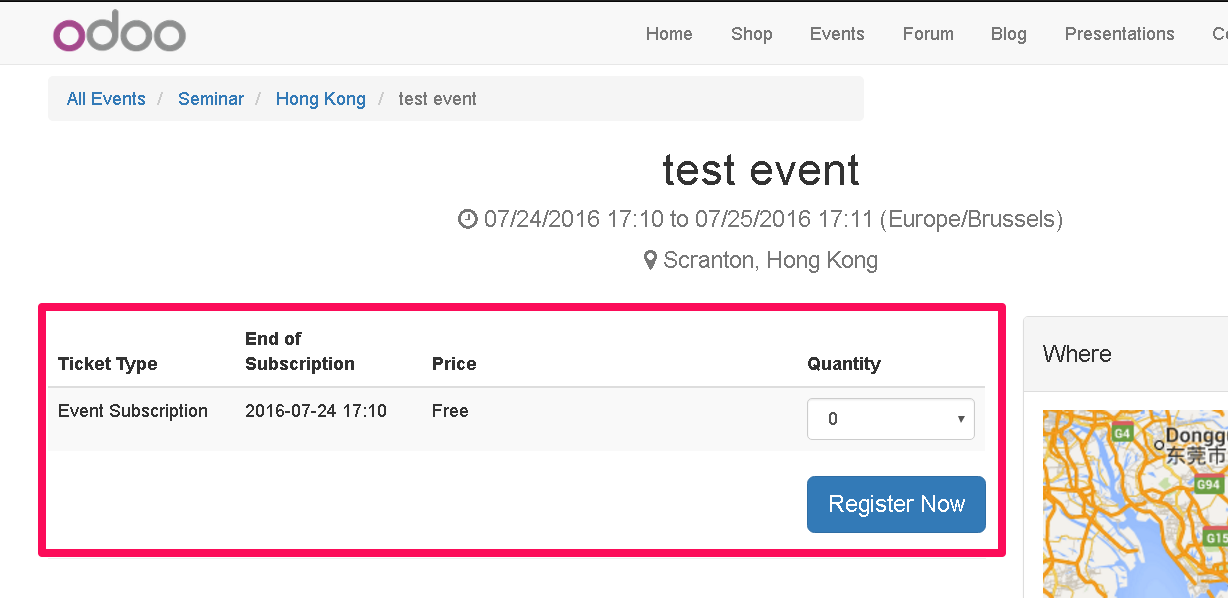
That may be fine if you are always calling for registrations, but there are cases where you only want to announce something. A customer asked us for the registration form not to be shown in that situation.
What we did
We put together a module that lets you choose, in the back-end event form view, whether the registration form is shown.
Website Event Hide Registration
Installing the module adds a field called “Show Registration Section” to the event form view.
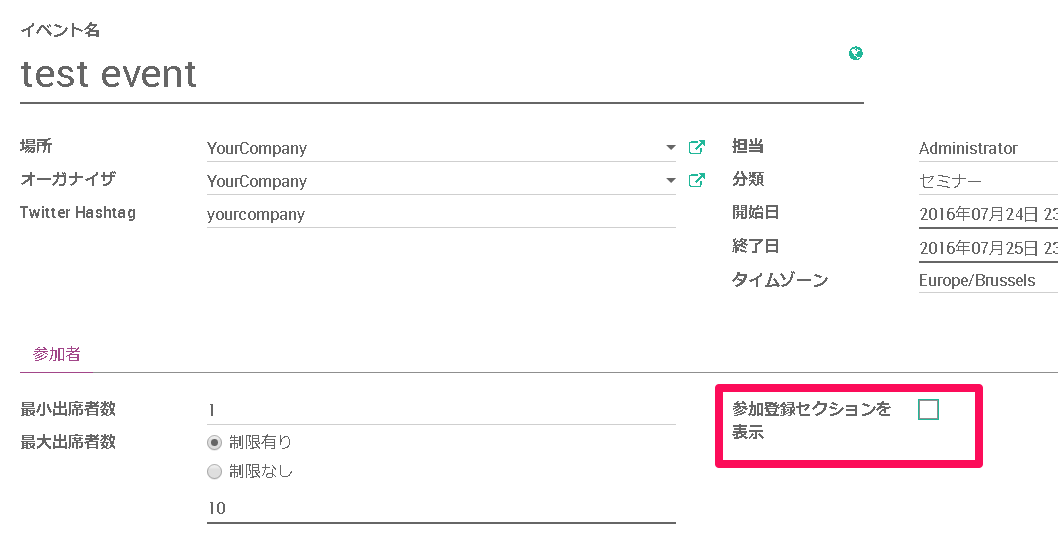
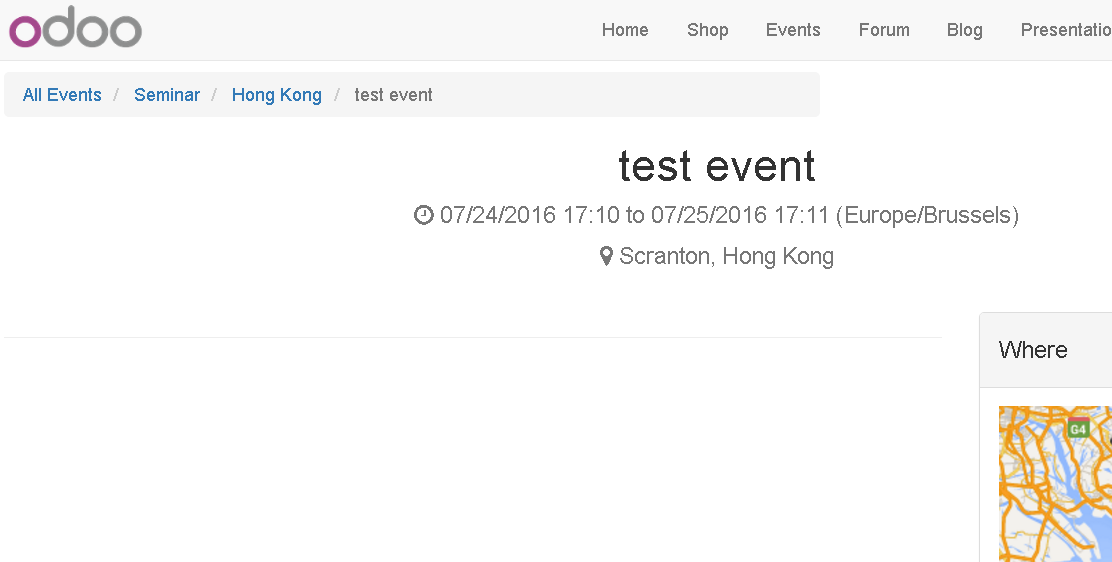
Leave the field unticked and the registration form no longer appears on the website's event page.
In closing
Odoo's website features have not been around long, and there is still a fair amount the standard feature set does not cover — but it is open source and easy to extend, which helps.
The module we built, Website Event Hide Registration, is open source as ever, so anyone with the same need should feel free to use it.
How to hide the registration form on a website event page